Why Silicone Keypad Backlight Bleed Occurs on Night-Vision Goggles
On a night-vision goggle, the keypad backlight is a double-edged sword. You need the legends readable in total darkness, but any light that leaks around the keys — backlight bleed — lands directly in the operator's line of sight, degrading low-light adaptation and even producing ghost reflections in the optics. Silicone, the material that makes the keypad rugged and sealed, is also an excellent light pipe, which is exactly why backlight bleed is so common on silicone keypads and so hard to eliminate. This article explains the physics of backlight bleed in night-vision goggle keypads, the four paths light takes, and the design fixes that contain it.
What Backlight Bleed Means on a Night-Vision Goggle Keypad
Backlight bleed is light appearing where it should not: a bright ring around the key, a glow through the keypad web, or a halo on the panel around the key cutouts. On a goggle used in complete darkness, even a few millilux of stray light at the eye cup is perceptible, and the operator's natural reaction — shielding the device or squinting — defeats the purpose of hands-free operation.
For a silicone keypad, the optical problem has three layers: the LED source, the light-guide or diffusion layer behind the keypad, and the silicone itself, which transports light laterally between keys because of its translucency. The designer's job is to keep the light inside the key zone — a task that is fundamentally different from designing a keypad for a device that is never used in the dark.
Why Silicone Is the Perfect Light Pipe — and the Problem
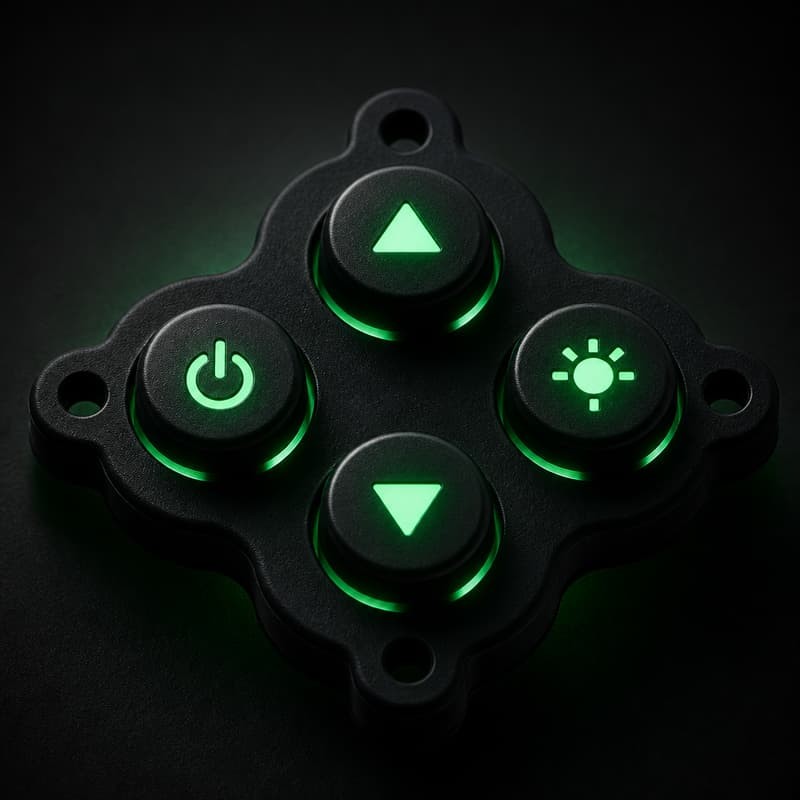
Silicone rubber transmits light efficiently, which is why backlit silicone keypads look great in a showroom. But the same transmission means light injected by an LED under one key travels sideways through the keypad web and escapes under the neighboring key. The higher the silicone's transparency — often chosen to make the legend glow brighter — the worse the bleed.
Industry guidance on backlit silicone keypad design acknowledges this trade-off directly: improving light diffusion usually means increasing keypad thickness slightly, and isolating the light source per key is the standard cure. Light-blocking inserts molded into the silicone web are the classic countermeasure, interrupting the lateral light path at its source.
The Four Paths of Light Bleed in a Silicone Keypad
Controlling backlight bleed means understanding all four paths light can take, because fixing one path while ignoring the others simply moves the glow elsewhere:
Path 1 — Through the keypad web. Light from one key travels through the thin silicone between keys and emerges at the neighboring key. This is the dominant bleed path on night-vision keypads, where keys sit close together.
Path 2 — Around the key edge. The gap between the key and the panel cutout acts as a light slot. A tight fit and a molded light-block ring close this slot.
Path 3 — Through the panel/overlay. With a thin panel or overlay, the light-guide layer leaks through the panel material itself. Edge-lit light guides used for overlays are a well-documented source of bleed that requires proper guide design and light-blocking paint on the non-emitting face.
Path 4 — Reflection inside the lens/housing. Stray light reflects off internal surfaces and re-emerges near the optics. This path matters most on goggles because the housing wraps around the operator's face.
Practical guidance for backlit user interfaces emphasizes two fundamentals: use light-blocking material where the light must stop, and avoid placing LEDs so close to the surface that no diffusion layer can homogenize them. Both fundamentals apply directly to night-vision goggle keypads.
Design Fixes: Light Blocks, Web Geometry, and LED Placement
Eliminating backlight bleed on a silicone keypad is a combination of molded features and board design, applied in this order of effectiveness:
- Mold a light-block ring around each key. A dark, opaque silicone ring co-molded around the key zone stops Path 2 bleed at the source.
- Add web light barriers between keys. Thin opaque ribs molded into the web between keys interrupt Path 1 without stiffening the whole pad.
- Control web thickness and key spacing. Thicker webs conduct more light; keeping the web thin in the barrier zone reduces lateral transmission.
- Place LEDs directly under each key with a diffuser. A dedicated LED per key plus a small diffuser gives even legend illumination and prevents the bright-spot-under-neighbor effect.
- Use black light-block paint on the guide's non-emitting face. For edge-lit overlay constructions, this is the industry-standard containment measure.
Reading the Geometry of a Low-Bleed Keypad
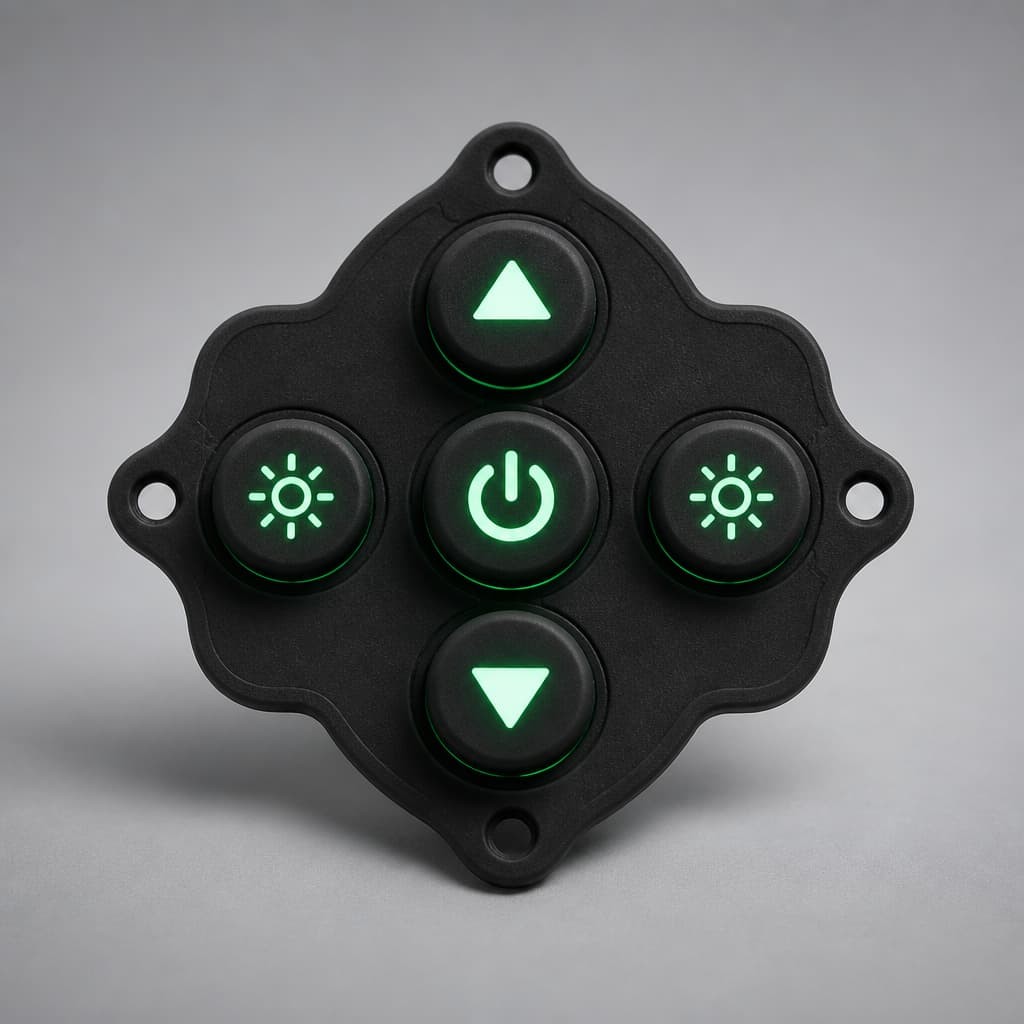
The physical layout of a well-designed backlit silicone keypad is visible at a glance: keys are separated by clearly defined grooves or barriers, and each legend is a discrete lit zone rather than a shared glow. If you hold a candidate keypad up to a bright light, the web between keys should look dark relative to the keys themselves — that darkness is the light-blocking geometry working.
For the companion discussion on uneven glow and LED diffusion in silicone keypads, our article on solving LED diffusion and backlight bleed in MIDI silicone keypads covers the same physics in a musical-instrument context, and the classic guide on avoiding light leakage on backlit silicone rubber keypads remains the most practical checklist in the field.
Case: Green Glow Ghosting on a Gen-3 Goggle Control Panel
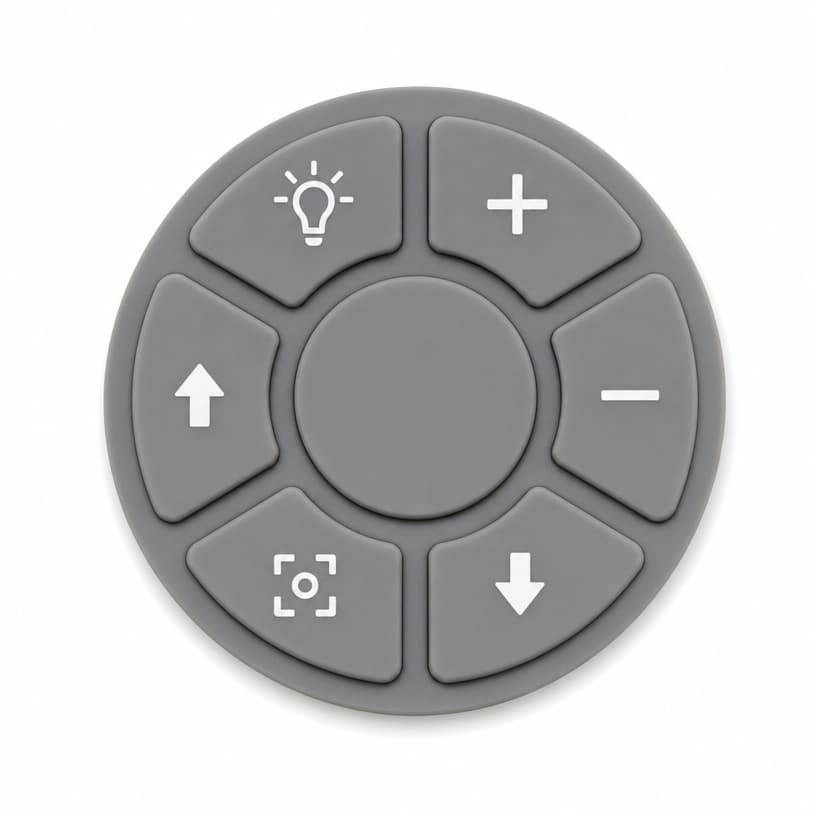
A defense-contract tier supplier brought us a goggle control panel where the MODE and GAIN keys showed a persistent green halo in dark testing, visible as a ghost around the key cutouts in the optics. The failure appeared only after the keypad was changed to a higher-transparency silicone to improve legend brightness.
- Measured result: 2.1 lux at 15 mm from the panel surface in the dark-room test — 40× the acceptance limit of 0.05 lux for night-vision operation.
- Root cause: the transparency increase raised lateral web transmission by roughly 6×, and the key-to-cutout gap had grown by 0.15 mm after a mold revision.
- Fix package: co-molded opaque rings around each key, two web barriers between the MODE/GAIN cluster, gap restored to the original 0.3 mm fit, and LEDs repositioned directly under the key centers with individual diffusers.
- Result: re-test showed 0.03 lux — inside the acceptance limit — with legend brightness unchanged, because the light was redirected to where the operator actually looks.
This case is a clean demonstration that backlight bleed on a silicone keypad is a geometry and placement problem, not a "the silicone is too transparent" dead end. The material choice, the molded barriers, and the LED layout have to be designed as one optical system.
Measuring Bleed the Way the Operator Sees It
The only measurement that matters for a night-vision keypad is the one taken in the dark, at the operator's eye position, with the device in its normal operating configuration. Bench measurements in a lit lab consistently underestimate bleed because the human eye's dark adaptation is what makes stray light visible. Put the acceptance test in the dark-room, measure at the face position, and specify the result in lux — that is the number that predicts field complaints.
Specifying Low-Bleed Backlit Silicone Keypads
When you specify a backlit silicone keypad for night-vision or low-light equipment, put these requirements in the specification and in the first-article inspection:
- Dark-room bleed measurement with a defined acceptance limit (for example ≤ 0.05 lux at 15 mm from the keypad surface).
- Molded light-block features (rings and web barriers) drawn on the keypad print.
- LED-to-key alignment tolerance stated on the PCB drawing, with diffuser requirements.
- Legend brightness and bleed measured together on the same sample, because fixing one by itself usually breaks the other.
For the material side of the equation — choosing the right translucency for the legend brightness you need — see high-transparency material selection tips for backlit silicone keypads, and for the full design-to-manufacturing flow, the custom silicone backlight keypad design and light-guide guide.
Sources and further reading:
- Silicone Keypad Factory — Backlit Silicone Keypad Design: LED & Light Guide Tips (diffusion and thickness trade-offs)
- Rubber-Keypad — How to Isolate Light for a Backlit Silicone Switch Keyboard (light-block inserts)
- GLT Home — How to Fix Backlight Bleed on Overlays (edge-lit light guide containment)
- EPEC — User Interface Window Transparency for Backlit LEDs (light-block paint and LED placement)
About FromRubber (FrmRubber). FromRubber is a full-process silicone and plastic OEM manufacturer specializing in custom silicone keypads for defense, medical, and industrial equipment. We design and mold light-block features in-house, and our dark-room bleed test is part of the standard validation for every backlit keypad project. If your backlit keypad glows where it should not, send us the drawing or a failed sample — we will return an optical containment review with measured recommendations.