Why Do Some Silicone Keypads Feel Soft While Others Feel Stiff?
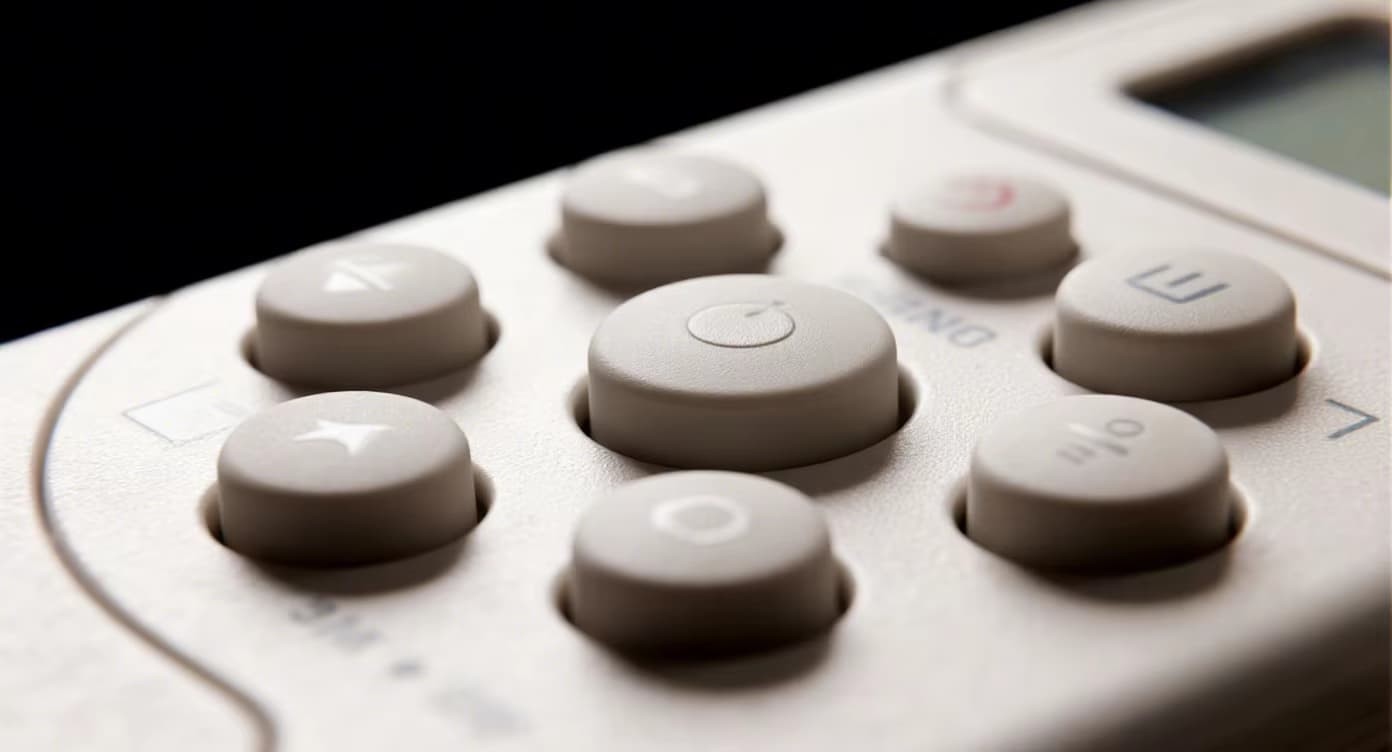
Have you ever pressed two different silicone keypads and noticed one feels like marshmallow while the other feels like a clicky button? The difference isn't random. It's carefully engineered. The tactile feel of a silicone keypad is determined by five interlocking factors: material hardness (Shore A), web geometry, key travel, snap ratio, and actuation force. Based on FromRubber's 15+ years of custom keypad design, this guide explains exactly why some keypads feel soft and others stiff — and how you can specify the perfect feel for your product.
The 5 Factors That Control Silicone Keypads Feel
Material stiffness
Hinge flexibility
Movement distance
Tactile feedback %
Grams required
1. Shore A Hardness: The Foundation of Feel
Shore A is the standard scale for rubber hardness. Lower numbers = softer, higher numbers = stiffer.
FromRubber tip: A 5-point change in Shore A changes actuation force by approximately 15-20gf.
2. Web Thickness & Shape
The "web" is the thin silicone membrane connecting each key to the base. Thinner web = softer, longer travel. Thicker web = stiffer, shorter travel.
- 0.3-0.5mm web: Very soft, long travel (1.5-3.0mm)
- 0.6-0.9mm web: Standard, balanced feel
- 1.0-1.5mm web: Stiff, short travel (0.5-1.0mm)
Web shape also matters: curved or "S" shaped webs increase travel and soften feel compared to flat webs.
3. Key Travel Distance
Travel is how far the key moves downward before bottoming out.
- 0.3-0.6mm: Short, stiff, crisp (industrial)
- 0.8-1.2mm: Standard, comfortable (remotes)
- 1.5-3.0mm: Long, soft, gaming controllers
Longer travel generally feels softer but may feel "mushy" if not paired with proper snap ratio.
4. Snap Ratio (Tactile Feedback)
Snap ratio is the percentage of force that drops after the key "collapses." Higher snap ratio = more distinct click feeling.
- Under 40%: Linear, soft feel (no click sensation)
- 40-55%: Moderate tactile feedback
- 55-70%: Strong, crisp click (mechanical keyboard feel)
Snap ratio is controlled by keycap geometry and web design, not just hardness.
5. Actuation Force (gf)
The force required to press and register a key. Measured in grams-force (gf).
- 60-100gf: Very soft (easy to press, accidental presses possible)
- 120-170gf: Standard (comfortable, most common)
- 180-260gf: Firm (intentional press, gloved operation)
- 280-350gf: Stiff (heavy industrial, minimal accidental press)
Silicone Keypad Feel Spectrum
0.5mm web
60-100gf
0.6mm web
100-130gf
0.8mm web
130-170gf
1.0mm web
170-220gf
1.2mm web
220-300gf
Real-World Silicone Keypads Examples: FromRubber Case Studies
65 Shore A, 0.8mm web, 130gf, 0.8mm travel — soft enough for hours of use, crisp enough for feedback.
70 Shore A, 1.0mm web, 180gf, 0.6mm travel — firm to prevent accidental presses, easy to clean.
75 Shore A, 1.2mm web, 220gf, 0.5mm travel — stiff feel, gloved operation, 1M cycle life.
You don't need to be an engineer to get the right tactile feel. FromRubber offers:
Just tell us: "I want it to feel like a TV remote" or "I need a firm click for gloved hands" — we'll engineer the exact hardness, web design, and snap ratio to match.
📧nani@fromrubber.com | 🌐 www.fromrubber.com | Free feel consultation
Silicone keypads feel soft or stiff due to five factors: Shore A hardness, web thickness, key travel, snap ratio, and actuation force. Soft keypads (low Shore A, thin web, long travel) are comfortable for extended use. Stiff keypads (high Shore A, thick web, short travel) offer durability and intentional actuation. FromRubber helps you dial in the perfect feel with prototypes and reference samples — so your product feels exactly as intended.