Age-friendly silicone keypad design for 1.2B elderly—a case study of electric wheelchair silicone keypads
Age-friendly silicone keypads are decided by three numbers, not by styling: a return force between 0.8 N and 1.2 N, a button diameter of 20–25 mm with at least 5 mm between keys, and confirmation delivered through three channels at once — a crisp tactile snap, a visible change, and a low tone or voice prompt.
Those three numbers come from measurement, not preference. Tactile thresholds roughly double between the twenties and the eighties, so a light flat button that feels responsive to a 30-year-old reads as a dead surface to a 75-year-old. This guide sets out the force, geometry and feedback rules we apply on assistive and medical projects, with the wheelchair case that produced them.
Why ordinary keypads fail older users
Three senses degrade on different curves, and a keypad designed around a young adult's perception fails on all three at once.
Touch
Von Frey threshold measurements rise by around 73% between the twenties and the eighties — more than three times the force is needed to register the same touch. Index fingertip thresholds climb roughly 15% per decade. Hand strength falls as well; elderly women press at about 80% of younger women.
Vision
At least 2.2 billion people worldwide have a near or distance vision impairment, most of them over 50. Cataracts affect about 94 million, refractive errors 88 million, macular degeneration 8 million, glaucoma 7.7 million, and presbyopia an estimated 826 million. Small grey legends on black are the first thing to disappear.
Hearing
More than 1.5 billion people have some hearing loss and 430 million have disabling levels, heading towards 700 million by 2050. High-frequency loss is close to universal after 70, which is why a piezo beep is the least useful confirmation channel available.
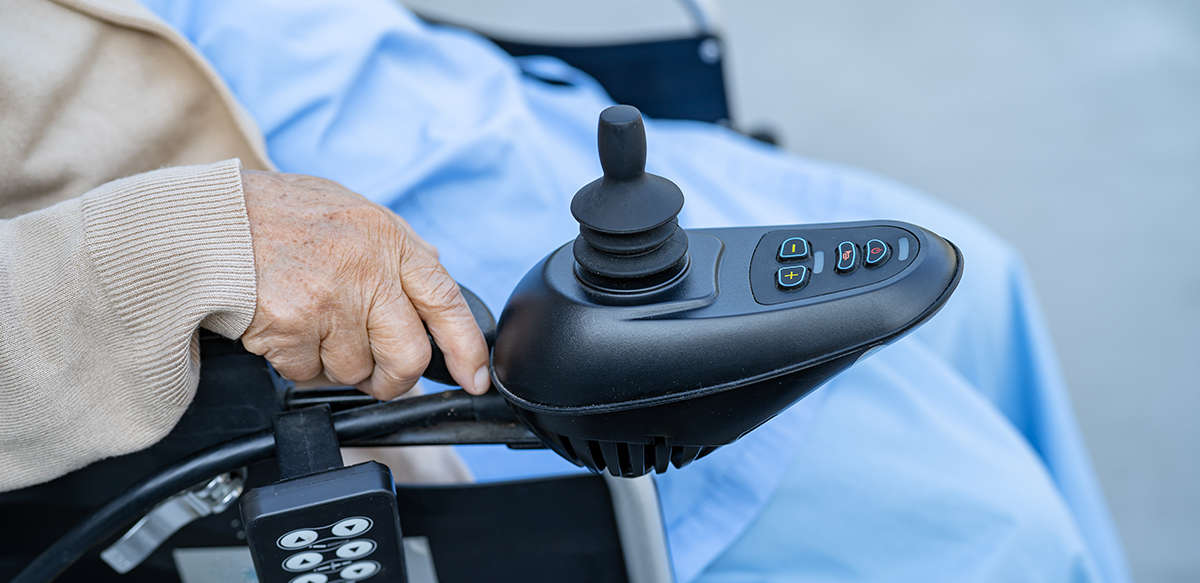
The control panel is the only part of an assistive device the user touches continuously. Button geometry sets whether the device feels safe.
The force window for age-friendly silicone keypads
Below 0.8 N, a slight hand tremor is enough to accelerate a wheelchair unintentionally — a real hazard, not a comfort issue. Above 1.2 N, users describe the control as stiff and start pressing with the heel of the hand, which produces mis-hits on neighbouring keys.
Hardness is the main lever, and the relationship is roughly linear enough to plan with: a 5-point change in Shore A moves actuation force by about 15–20 gf.
| Shore A | Typical actuation force | Cycle life | Where it fits |
|---|---|---|---|
| 40–50 | 60–100 gf | around 100k cycles | Soft consumer feel; short-life handhelds |
| 50–55 | 100–150 gf | 300k+ cycles | Wheelchairs, medical devices, assistive controls |
| 55–65 | 120–170 gf | 300k–500k cycles | Remotes, instrument panels |
| 65–75 | 170–230 gf | 500k+ cycles | Industrial panels with deliberate actuation |
One wheelchair programme started at 40 Shore A because soft felt senior-friendly. Users could not tell whether the key had registered, and the panel was reworked to 55 Shore A with a stiffer base web — which solved it immediately. 50–55 Shore A is the usual starting point when crisp confirmation matters more than a light touch.
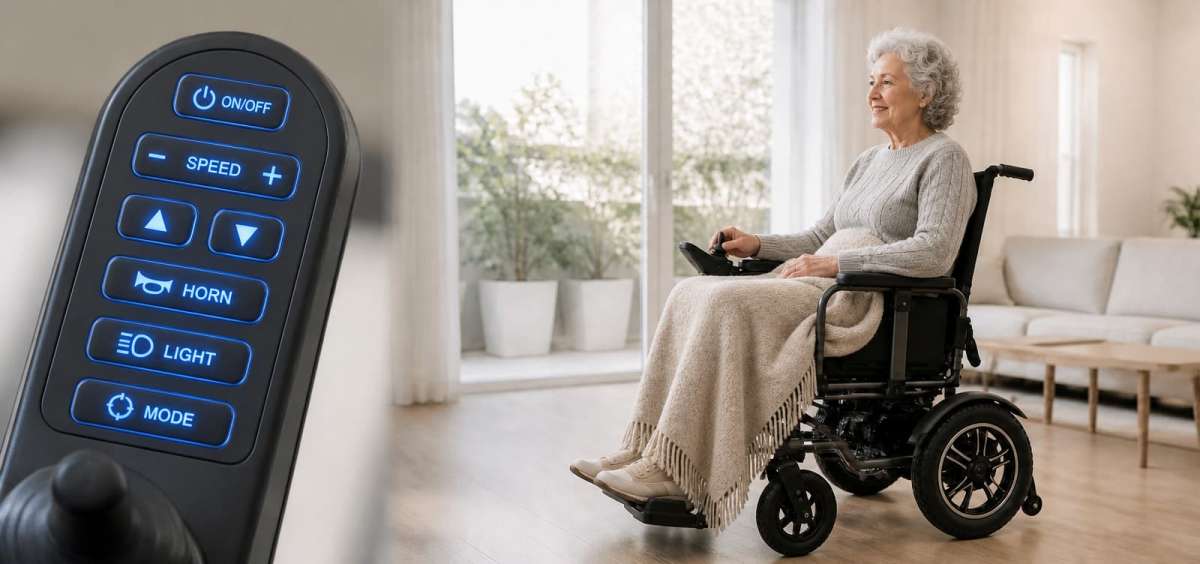
Large legends, high contrast and a matte textured surface. Grip and legibility are specified together with force, not after it.
Geometry and layout rules that survive real hands
Force alone does not fix usability. The physical target has to be large enough that a hand with reduced fine control can find it without looking.
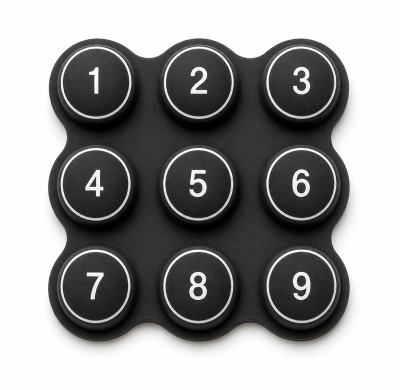
- Diameter 20–25 mm is the working range; below 15 mm, misses become routine. 18 mm is our practical floor, 20–25 mm the target.
- At least 5 mm clear gap between adjacent keys, so a press does not drag into the neighbour.
- Travel of 0.5–1.0 mm; older users consistently prefer the longer end of that band because they can feel it.
- Texture on the key top, not gloss. In our own tests, textured buttons improved operation speed by close to 40% with sweaty hands or cotton gloves.
- Contrast first: black on white or yellow on black. Never rely on red versus green alone — a large share of older users cannot separate them.
- Icons over words where an icon is unambiguous; where text is used, bold and large beats elegant and condensed.
Layout matters as much as button size. On the wheelchair panel, power and speed sit dead centre, and the emergency stop is isolated in the top-right corner — far enough from the others that a panicked press cannot reach it by accident.
Feedback has to be three-way, not three options
The anxiety seniors report most often is not "it is too hard to press" but "did I press it?". A single confirmation channel leaves that question open in exactly the conditions where the device matters — outdoors, in gloves, in poor light.
A workable panel confirms on three channels simultaneously: a crisp metal-dome snap with a springy return, a visible change such as an LED or screen update, and a low-toned audio cue or voice prompt. After voice prompts were added to a wheelchair line, families reported that parents stopped leaning forward to read the screen.
Voice is also the most accessible option for users with advanced vision loss, provided the phrase is short and specific: "Power on", "Speed 2", "Battery low". A generic beep conveys nothing.
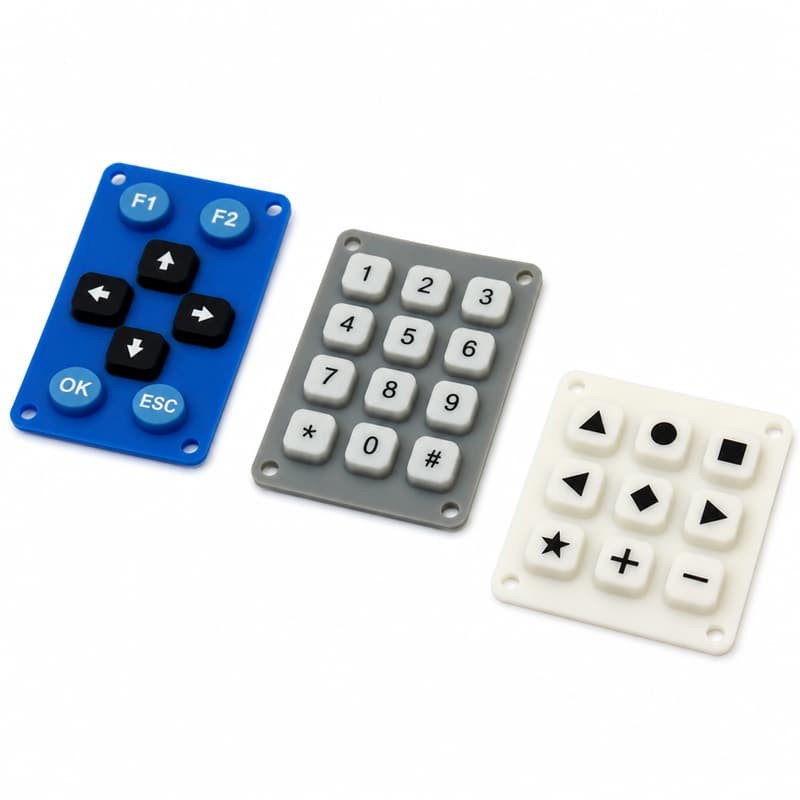
Tactile domes under a silicone web give the snap; the LED and the tone complete the confirmation loop.
Material and environment requirements
An assistive keypad is a skin-contact part in a dirty environment. Two requirements follow from that and are often missed on the drawing.
- Biocompatibility: ISO 10993 grades for prolonged skin contact, because sweaty palms and hours of contact are the normal use case.
- Temperature and cleaning: a working range around −10 °C to 60 °C, resistance to alcohol wipes and household cleaners, and no yellowing or tackiness over the service life.
- Legend durability: laser engraving or moulded-in legends rather than surface printing, which wears through in months on a key that is pressed hundreds of times a day.
These sit inside the wider capability described under custom silicone rubber keypads, and the backlight variant used on many assistive panels is covered under backlight keypads for electric wheelchairs.
What to put on the drawing for age-friendly silicone keypads
A supplier cannot quote an assistive keypad from a shape alone. Five items turn the brief into a specification:
- Target return force in grams-force, and whether it was measured on an existing product.
- Button diameter, pitch and minimum gap, with the largest glove the user group wears.
- Shore A target, or the force target if hardness is still open.
- Legend method and contrast pair, plus the language and font size the market requires.
- Feedback channels available on the PCB: dome, LED, buzzer or speaker.
Everything else — colour, texture, gate position — can be settled in DFM review. The five above decide whether the first sample is usable.
Our instrumentation programme and quick proofing service exist for exactly this stage: a small sample batch in the specified hardness, so force can be measured on real silicone before tooling is committed.
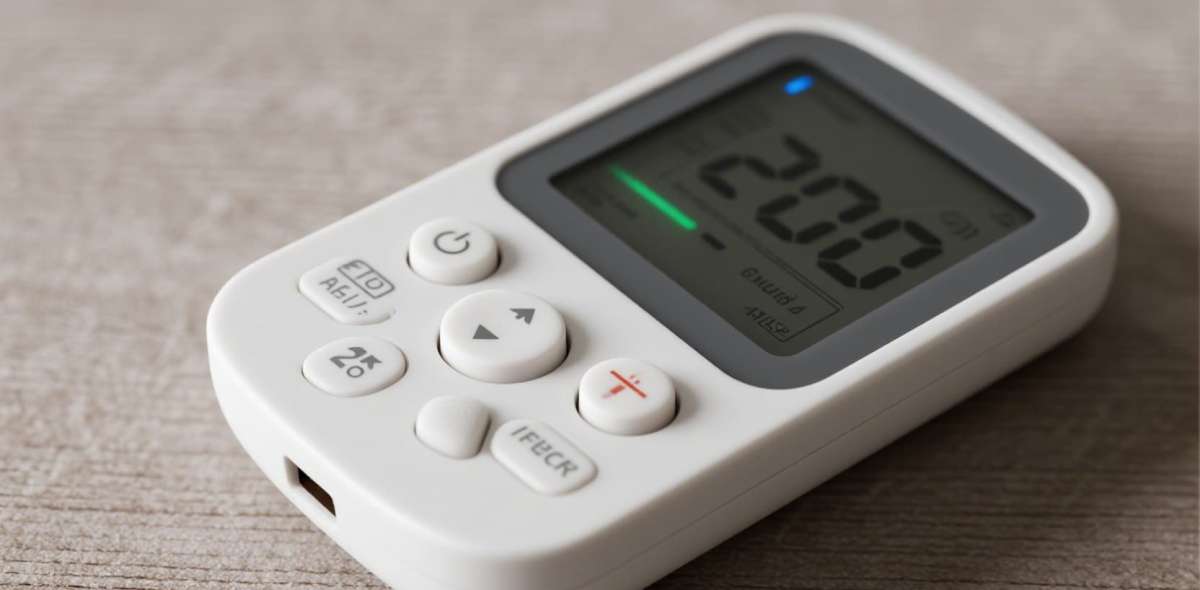
Force is measured on a moulded sample, not calculated from a data sheet. A 5-point Shore A change is enough to move the feel outside the usable window.
Frequently asked questions
Is softer always better for elderly users?
No. Softness reduces the effort to press but also reduces the sensation of having pressed. Below roughly 0.8 N return force, tremor and accidental contact start to register as input. The usable band is narrow and is best found by measuring both force and perceived confirmation.
Can we retrofit an existing keypad to be age-friendly?
Sometimes. Legends can be enlarged and re-etched, and hardness can be raised within limits by reformulating the compound, but force depends on web geometry as much as material. If the existing web is thin and the stroke short, a new tool is usually the cheaper route to a measurable result.
Do large buttons force a larger enclosure?
They force a larger key field, not necessarily a larger enclosure. Reducing the number of simultaneous functions, or moving secondary actions to a menu, frees the space that 20–25 mm targets need.
How is a force target verified in production?
With a force-displacement curve on a sampling basis, not a single peak reading. The curve shows the snap point and the return, which is what the user actually feels. A peak-only check can pass a key that feels dead.
Specify an assistive keypad with the numbers agreed first
Send the force target, button geometry and available feedback channels. We will come back with hardness, web design and legend method, then mould a proofing sample so the feel is measured on real silicone rather than argued over a drawing.
Start from the custom silicone service process or review custom silicone rubber keypads.