
Can I get custom silicone rubber keyboards with my own layout and logo?
Can I Get Custom Silicone Rubber Keyboards With My Own Layout and Logo?
Detailed Explanation: The Full Customization Menu for Silicone Keyboards
Because silicone keyboards are compression-molded rather than assembled from discrete parts, nearly every attribute of the product is specified by you — the mold is the product. Below is the complete customization menu, organized the way a manufacturer's engineering team will walk through it.
1. Layout and key architecture
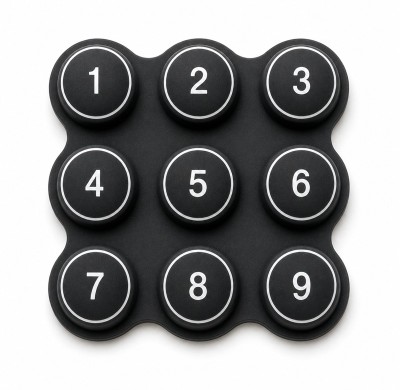
- Key count and matrix: From a 4-key remote to a full 84-key QWERTY keyboard — any key count, any arrangement, any key pitch. Keys can be different sizes on the same board, and function keys can be oversized or color-blocked.
- Key web geometry: Web thickness and angle set the tactile response. Angled webs give crisp snap (60–300 g actuation), while flat webs give a soft, silent press — specified per key if desired.
- Key shapes: Round, rectangular, triangular, or any drawn profile; embossed rims, raised Braille dots, or spill-proof raised key skirts are mold features, not added cost.
2. Color and material
- Body color: Any Pantone or RAL reference, molded through the full compound so scratches never reveal a different color underneath. Multi-color keys (e.g., red emergency key on a gray board) use multi-shot or insert molding.
- Hardness: 30–80 Shore A. Consumer products typically run 50–60 Shore A; industrial keyboards run 60–70 for gloved durability.
- Material grade: Standard industrial silicone, or certified grades — FDA/LFGB food-contact, medical USP Class VI, or flame-retardant UL94 V-0 for transit and public-infrastructure equipment.
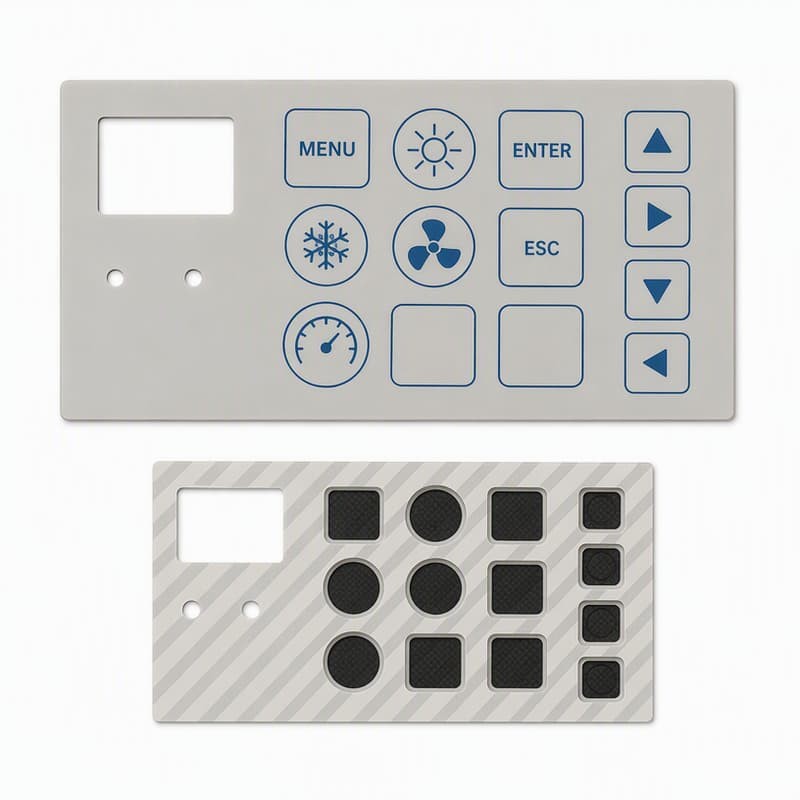 Body color, key color-blocking, and Shore A hardness are all mold- and compound-level choices — specified per project with Pantone references.
3. Logo and branding — five techniques, ranked by durability
Your logo can appear on a dedicated key, the keypad border, or the whole top surface. The application method determines how it survives wear:
- Embossed / debossed (molded-in): The logo is part of the steel mold — physically impossible to wear off. The premium option and the standard choice for industrial keyboards rated beyond 1 million cycles. Debossed logos can be color-filled with ink for contrast.
- Laser etching: An opaque topcoat is selectively ablated to reveal the contrasting substrate underneath. Sharp, permanent, and the required method if the logo or legends must glow under backlighting.
- Pad printing / screen printing: Multi-color logos printed onto the surface, then protected with a PU or epoxy topcoat. Economical, high-resolution, and good for 100,000–500,000 abrasion cycles when coated.
- Epoxy doming: A raised, glass-clear resin dome over the printed logo — premium look, excellent chemical resistance, common on POS and payment terminals.
4. Legends and text
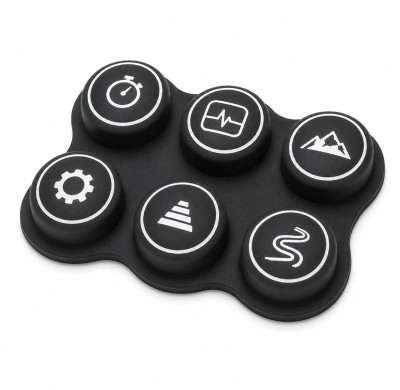
Legends follow the same durability ranking as logos. Any language, any font, any symbol set (including custom icons) is reproducible — the practical limits are minimum feature size (0.3 mm line width for printing, 0.2 mm for laser) and registration accuracy between key top and legend, which FromRubber holds to ±0.15 mm.
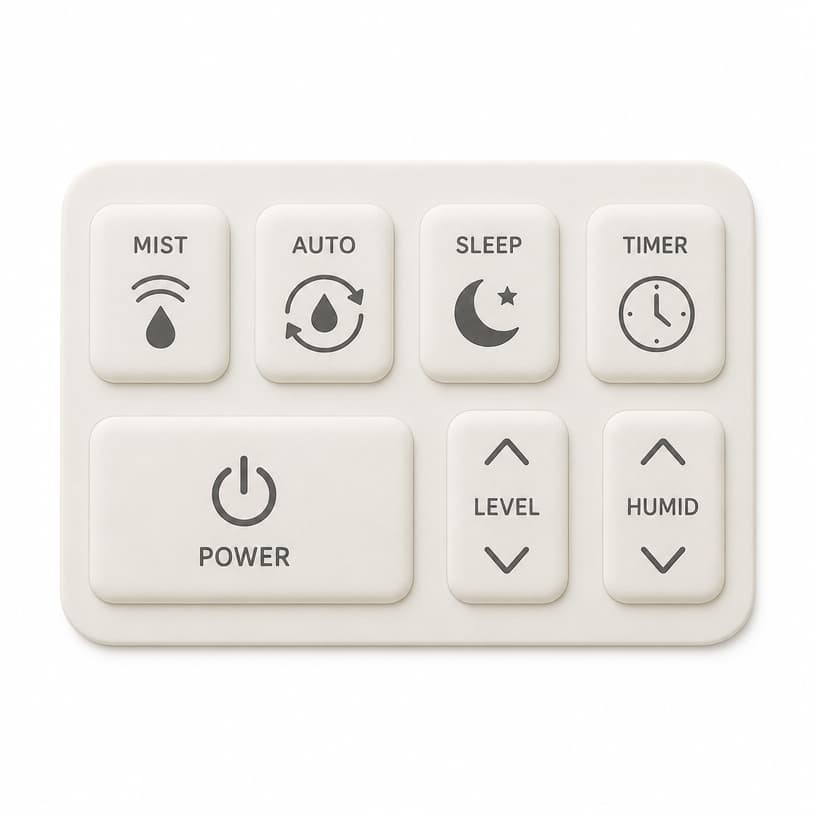 Laser-etched legends and logos are carved into the topcoat rather than printed on top — the standard for keyboards that must survive heavy daily use.
5. Electronics and integration
Beyond the silicone body, a full OEM keyboard program specifies the conductive system (carbon pills, screen-printed carbon ink, or metal domes), optional backlighting (LED + light guide film or per-key SMD LEDs), and integration — 3M adhesive backing, PCB assembly, PIN/contact tail, and custom packaging.
Case Study: Custom-Layout POS Keyboard for a Retail Chain
A Middle-East retail automation integrator needed a 48-key POS keyboard with a layout built around their own software — a macro-key block on the left, numeric block on the right, and the chain's logo on a dedicated "store" key. No stock layout matched, and their brand guidelines required a specific Pantone 432 C dark blue body.
- Design phase: The customer supplied a 2D layout sketch and key matrix table; FromRubber's engineering team returned a full 3D STEP model within 5 working days, including recommended 200 g ± 25 g actuation for the macro keys and 120 g for the numeric block.
- Tooling: Single-cavity steel mold, 18 working days, $2,650 — including the embossed store-logo key and molded-in Braille dots on the five highest-frequency keys for accessibility compliance.
- Branding execution: Pantone 432 C molded body, laser-etched white legends on all keys, embossed logo key with color-fill, and a PU matte topcoat for fingerprint resistance in a high-traffic checkout environment.
- Electronics: Screen-printed carbon contacts on a custom PCB tail, assembled and 100% function-tested at the factory before shipment.
- Outcome: First article approved in week 4; production of 1,200 units shipped in week 7. Checkout staff training time dropped measurably thanks to the task-mapped macro layout, and after 14 months in the field the chain reported zero legend wear complaints — a direct result of specifying laser etching over printing.
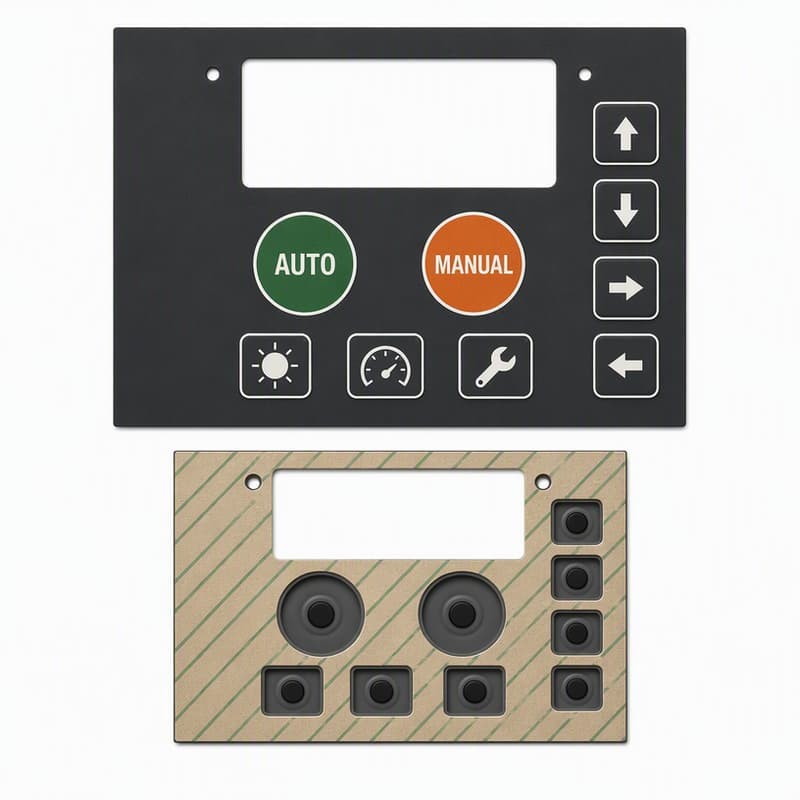 A sketch and a key-matrix table are enough to start — the factory's engineering team converts them into a full 3D model for approval before steel is cut.
Data: Logo & Legend Methods Compared for Custom Silicone Keyboards
| Method | Durability (cycles) | Colors | Backlit Capable | Unit Cost Impact | Best For |
|---|---|---|---|---|---|
| Embossed / debossed (molded) | Life of the part (1M+) | Single tone / color-fill | Yes (with etched fill) | + mold complexity | Industrial, medical, permanent branding |
| Laser etching | 1M+ (coating-based) | Substrate color revealed | Yes — required method | Low, per-unit | High-wear keys, backlit panels |
| Screen printing + PU coat | 100K–500K | Multi-color | Limited | Low | Multi-color logos, consumer products |
| Pad printing | 100K–300K (coated) | Multi-color, fine detail | No | Low | Curved key tops, small logos |
| Epoxy doming | 500K+ (protected) | Full color under clear dome | No | Medium | POS terminals, premium branding |
A typical custom program from FromRubber combines techniques — for example, an embossed logo key, laser-etched primary legends, and pad-printed secondary functions, each chosen for the wear profile of that specific key.
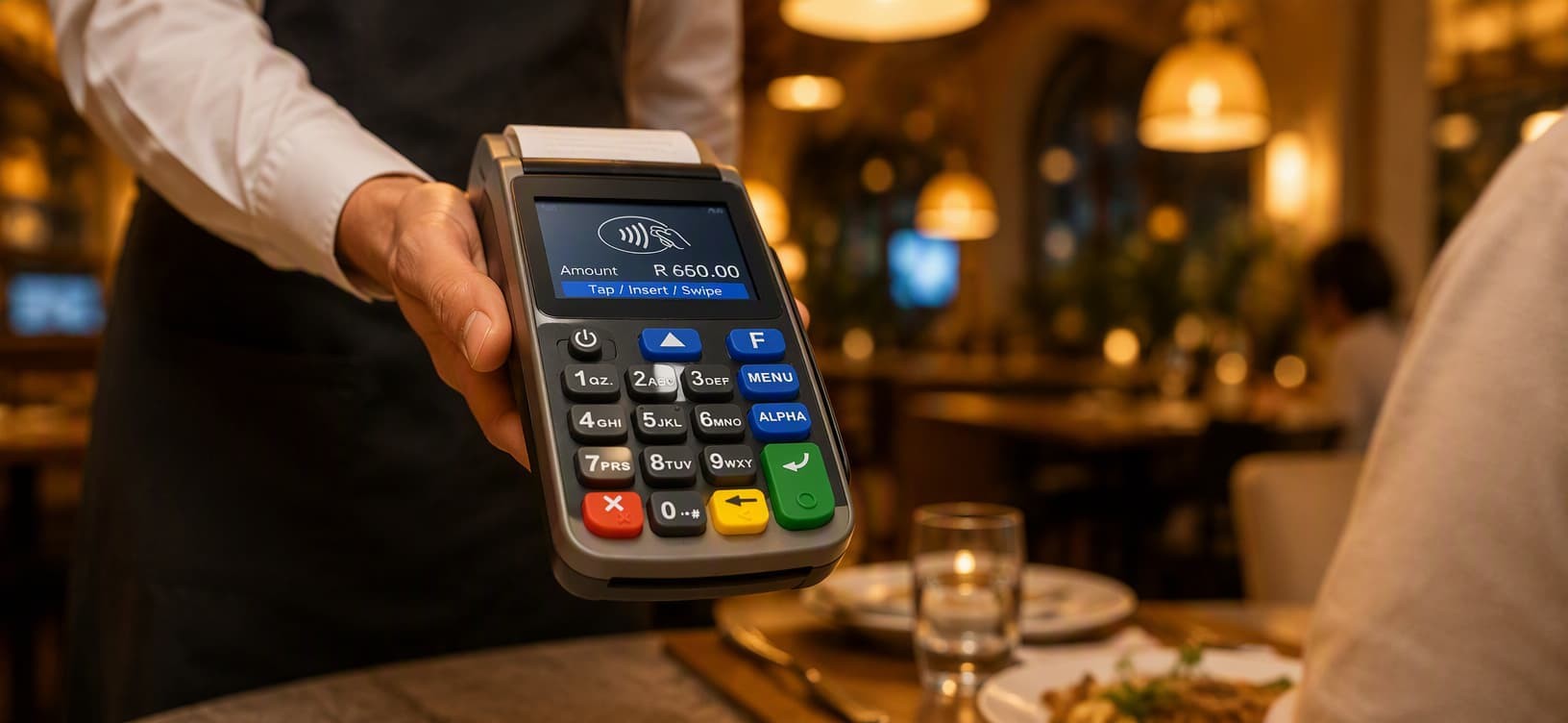 Choosing between laser etching and printing is the single most consequential branding decision on a custom silicone keyboard — it sets the wear life of every legend on the board.
Related Questions
Laser Etching vs. Silk Screen Printing: Which POS keypad marking wins?
Head-to-head durability and cost data for the two dominant legend technologies.
How do different colors or silicone hardness levels affect keypads?
What Shore A and pigment choices do to feel, cost, and long-term appearance.
How do I explain my silicone keypad design to a factory?
The drawing package and key-matrix spec that eliminate mistranslation of your layout.
Are you looking for a rubber and plastic product customization solutions manufacturer?
We can quickly provide customers with market analysis, technical support and customized services.Sign Up Out Newletter
