Custom Solutions in Silicone Rubber and Plastic Manufacturing

Home / All / Silicone Keypad Knowledge Q&A / Should I choose a silicone keypad or a mechanical switch for my device?

Should I choose a silicone keypad or a mechanical switch for my device?
Update Time:2026/5/25
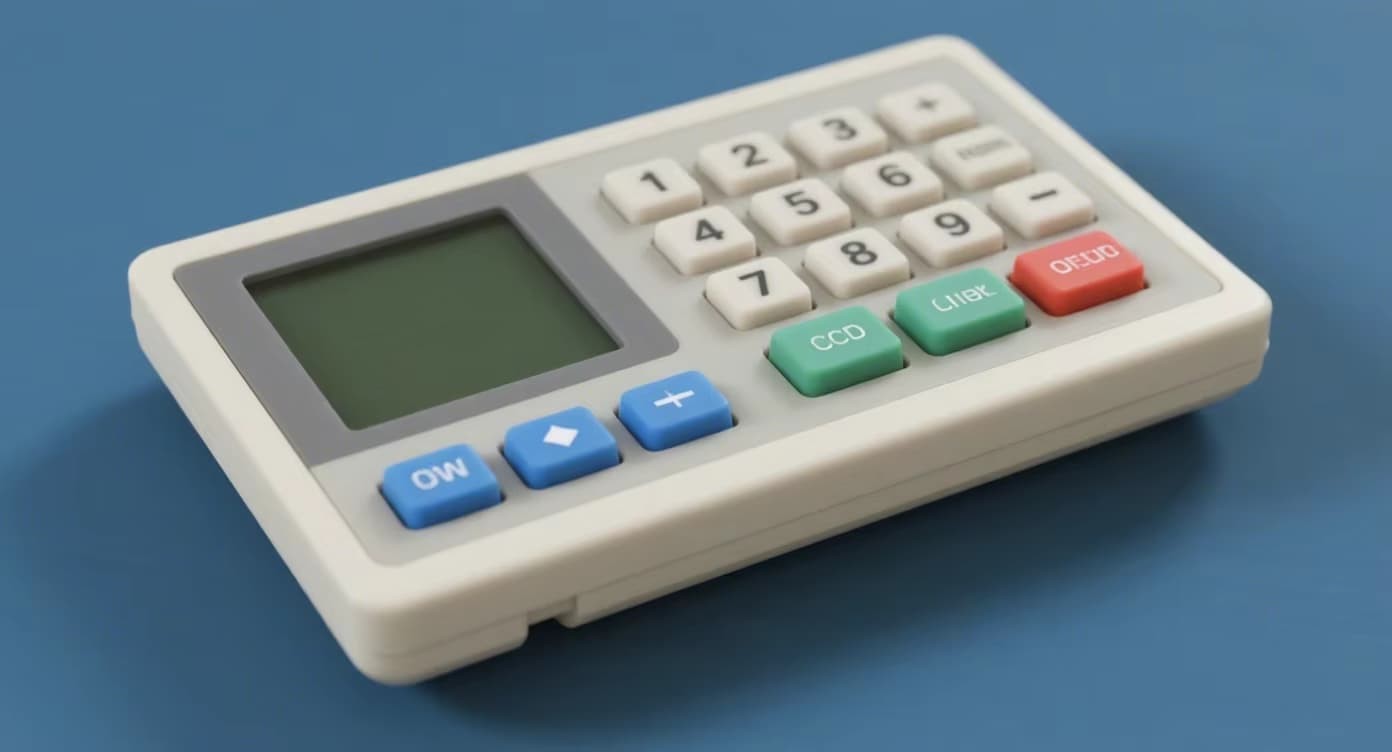
Comparison of silicone rubber keypad and mechanical switch for device interface design at FromRubber
DESIGN DECISION GUIDE · SILICONE KEYPAD VS MECHANICAL SWITCH
Should I choose a silicone keypad or a mechanical switch for my device?
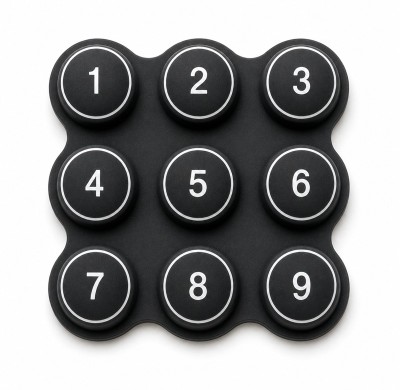
This is one of the most common questions engineers and product designers face. Both silicone keypads and mechanical switches have been proven in millions of devices — but they serve different needs. The right choice depends on your environment, expected lifespan, tactile preference, cost targets, and sealing requirements. Let me walk you through the comparison based on real-world data, and show you why many designers ultimately choose FromRubber for custom silicone keypad solutions when flexibility and durability are priorities.

Silicone Keypad

Integrated rubber pushbuttons with conductive pills or metal domes. Seamless, waterproof, customizable feel.

Best for: Medical devices, remote controls, industrial panels, outdoor equipment, consumer electronics.
Mechanical Switch

Discrete electromechanical switches (tactile, clicky, linear). Individual components soldered to PCB.

Best for: Keyboards, high-end gaming devices, heavy machinery with very high cycle needs.

 Detailed Comparison: Silicone Keypad vs Mechanical Switch

ParameterSilicone KeypadMechanical Switch
Lifecycle500k – 5M cycles (with metal domes)10M – 50M cycles
Water/Dust sealingExcellent (IP67-IP69K possible)Poor without additional rubber boot
Design flexibilityHigh – custom shapes, colors, backlightingLimited to standard sizes and footprints
Assembly costLow – one piece, no solderingHigher – individual placement and soldering
Tactile customizationWide range (60gf – 300gf, snap ratio)Limited to few force options per model
Backlighting integrationSeamless (light guide film or LEDs)Complex, requires per-switch LED
Tooling cost (initial)$2k – $15k (depending on cavity)No tooling, but higher per-unit cost

Silicone Keypad Advantages

  • Seamless waterproof design (no gaps)
  • Quiet operation
  • Low profile (as thin as 2mm total)
  • Integrated keypad + gasket + spring
  • Legends never wear off with IMD

Mechanical Switch Advantages

  • Extremely long life (10M+ cycles)
  • Audible and tactile feedback options
  • Standardized, easily replaceable
  • No tooling investment
  • Can handle high current

 Decision Framework: Ask These 5 Questions

1. Does your device need to be waterproof or dustproof?
If yes → Silicone keypad (mechanical switches need separate rubber boots that add cost and complexity).
2. What is your expected lifespan?
Under 5M cycles → Silicone keypad is fine. Over 10M cycles → Mechanical switch may be better.
3. Is quiet operation important?
If yes → Silicone keypad (mechanical switches click).
4. Do you have complex key shapes or custom branding?
If yes → Silicone keypad offers unlimited shapes, colors, and logos.
5. What is your annual volume?
Above 10,000 units/year → Silicone keypad tooling cost amortizes well. Below 1,000 units → Mechanical switches may be cheaper upfront.
What FromRubber Has Learned From 15+ Years of Both Technologies

At FromRubber, we specialize in silicone keypads — but many of our clients initially asked the same question. Here's what we consistently see:

  • For handheld medical devices, remote controls, test equipment, and industrial HMIs — silicone keypads win because of sealing, low profile, and design flexibility.
  • For high-end mechanical keyboards or very high cycle applications (vending machines, heavy industrial), mechanical switches are often better.
  • Many designers don't realize that silicone keypads can achieve over 5 million cycles when using stainless steel metal domes — closing the gap with mechanical switches.

FromRubber offers free design consultation to help you decide. We also manufacture both types of interfaces (silicone keypads with integrated domes or external switches), so you get an unbiased recommendation.

Real-World Scenarios: Which Did They Choose?

Medical infusion pump

Chose silicone keypad (IP67, easy to clean, quiet operation). FromRubber supplied the keypad with antimicrobial coating.

Gaming keyboard

Chose mechanical switches for the feel and longevity. No silicone keypad.

Outdoor industrial remote

Chose silicone keypad with IP69K rating. Mechanical switches would fail in rain/dust.

The Hybrid Option: Silicone Keypad + Metal Dome = Best of Both

Many designers don't know this: a silicone keypad can be combined with metal snap domes (tactile stainless steel discs). This gives you the sealing and design flexibility of silicone, plus the crisp tactile feedback and 5M+ cycle life of a mechanical switch. FromRubber integrates metal domes directly into the silicone keypad during assembly — so you get one unified part that's easy to install.

This hybrid often replaces mechanical switches entirely for industrial and medical devices.

So, should you choose a silicone keypad or a mechanical switch? Choose silicone keypads when you need waterproofing, design freedom, quiet operation, and medium-to-high volume production. Choose mechanical switches for extremely high cycle counts (10M+) or when you have very low volume and cannot invest in tooling. For most consumer, medical, and industrial devices — silicone keypads are the modern, reliable choice. FromRubber can help you evaluate your specific needs and provide prototype samples within 2 weeks.

📧 nani@fromrubber.com | 🌐 www.fromrubber.com | Free DFM review for your design

Are you looking for a rubber and plastic product customization solutions manufacturer?

We can quickly provide customers with market analysis, technical support and customized services.

Sign Up Out Newletter